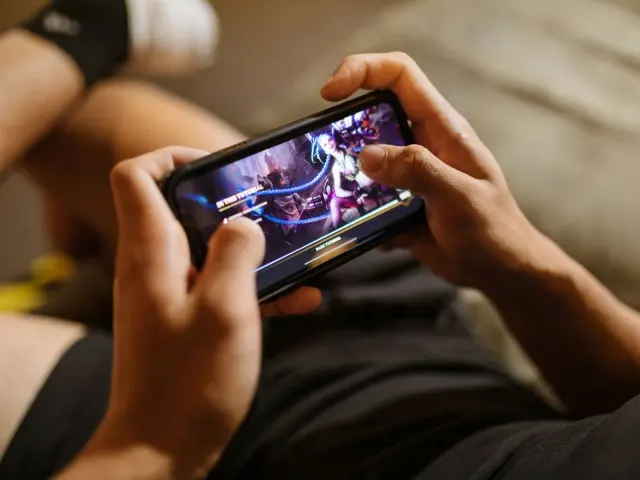
Frozen mid-fight and unsure why? Here is how to reduce lag in mobile games: fix your Wi-Fi signal, close background apps, pick the nearest server, and check your ping.
Lag is one of the most common frustrations in mobile esports, so this guide sticks to fixes you can test in minutes.
| Item | Value |
|---|---|
| What ping measures | Round trip to the game server, in milliseconds (ms) |
| Ping rated “playable” | 50-100 ms |
| Ping rated “risky” | Over 100 ms |
| Suggested ping for Rainbow Six Mobile | Below 60 ms |
| Move that can noticeably cut ping | 1-3 meters closer to the signal |
These figures come from Private Internet Access and GearUP Booster. Figures can change, so check the source before you rely on them.
Lag, ping and jitter: what you are actually fixing
Ping is the time it takes your device to send data to the game server and get a response, measured in milliseconds (ms), according to Private Internet Access. Most games show it as a number on the HUD or as signal bars.
Three terms get mixed up, so here is the short version:
- Ping: the round-trip time between your phone and the server.
- Lag: the noticeable delay between your action and the server’s reaction, which TapTap’s guide says can be caused by high ping.
- Jitter: how much your ping bounces up and down.
Unstable ping that jumps around can be just as bad as high ping, so watch the number over a whole match, not for a single second.
What ping is good enough for mobile games?
There is no single magic number, because it depends on the game. In fast-paced shooters or fighting games, even 50 ms can feel sluggish, Private Internet Access notes.
Its table rates 50-100 ms as playable and anything over 100 ms as risky for competitive play, although turn-based and casual mobile games can still run there.
For a tactical shooter, GearUP’s Rainbow Six Mobile guide generally recommends keeping ping below 60 ms. It adds that the result still depends on your distance from the server and on network stability.
Why your phone lags in the first place
Most lag traces back to a short list of causes. Knowing which one applies to you tells you which fix to try first.
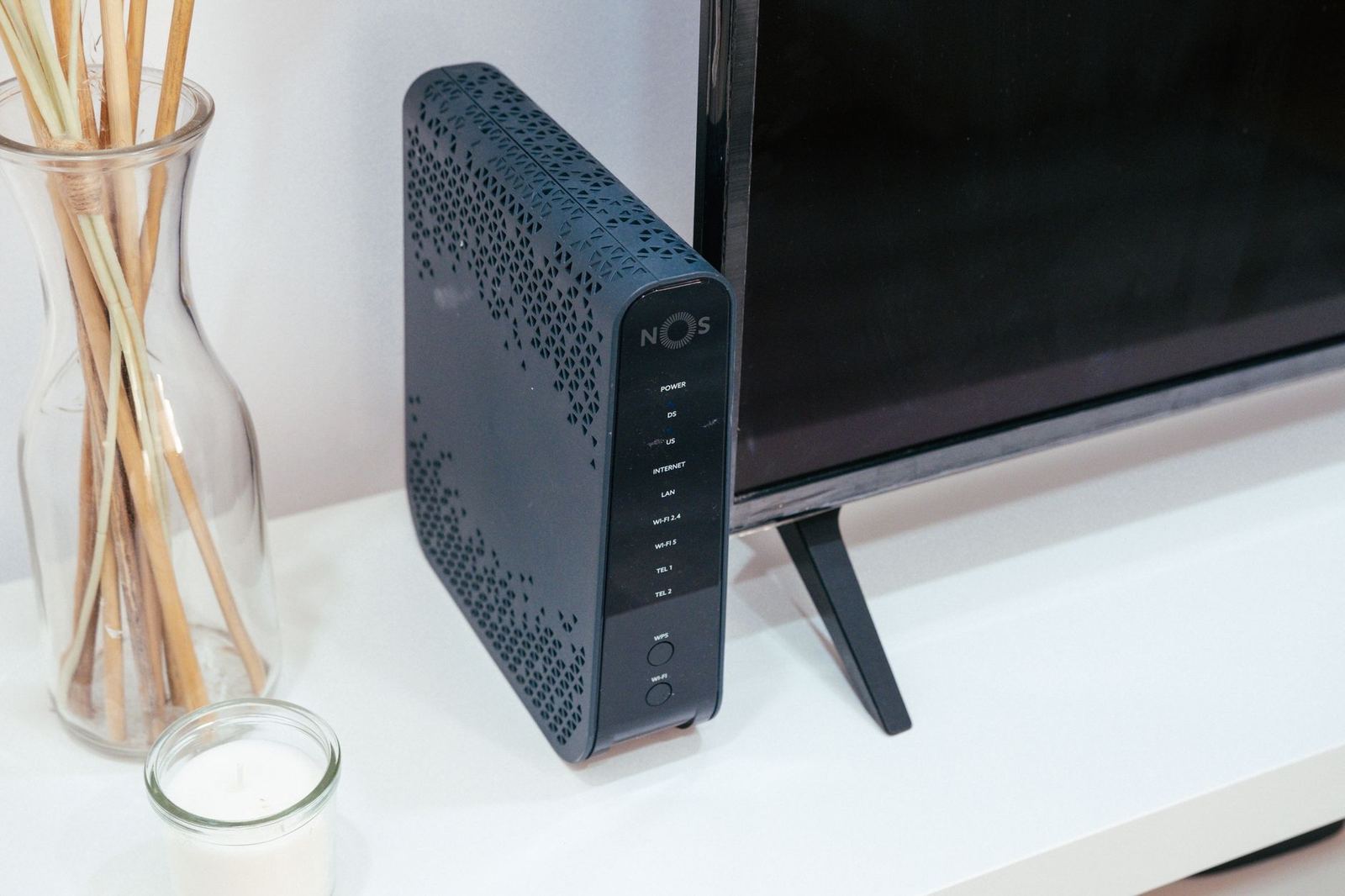
- Weak Wi-Fi: the further you are from the router, the weaker your signal.
- Cellular tower switching: on mobile data, your phone may switch towers or drop signal briefly, causing tiny delays that matter in fights.
- Home congestion: streaming, downloads or video calls on the same network steal bandwidth and delay your game packets.
- Distant servers: the further away the game server is, the higher your ping will be.
- ISP throttling: some providers slow traffic to specific games or heavy users.
The first four items come from GearUP and Private Internet Access, and the throttling point comes from the latter.
Sometimes the network is fine and the phone is the weak link. GearUP says that if the game feels laggy despite good network latency, device performance may be affected, which graphics quality, background apps and overheating can all influence.
How to reduce lag step by step
Work through these in order and test after each one. Stop when the game feels steady again.
- Measure first. Check the in-game ping display, or use an app such as Speedtest by Ookla to monitor ping, download and upload speeds, as TapTap suggests.
- Move closer to the signal. Even a small move of 1-3 meters can drop ping noticeably, says GearUP. Avoid thick walls, elevator shafts and basements.
- Try the other network. If Wi-Fi is shaky, switch to mobile data, and the other way round. Switching causes a brief reconnect, so do it in a safe moment and watch your data cap.
- Close bandwidth hogs. Pause downloads, cloud backups and streams, and disconnect idle devices from your home network, because the more devices connected, the more congested it gets.
- Choose the nearest server. TapTap advises playing on the game server closest to your location to minimize lag.
- Reset the connection. Restart your phone or reset network settings, which Private Internet Access lists as the smartphone way to clear stale network data.
- Ease the load on your phone. Turn on a built-in game mode if you have one, lower graphics, and keep the device cool.
TapTap also suggests that switching to airplane mode and then re-enabling Wi-Fi can reduce interference from cellular networks. It lists Google DNS (8.8.8.8 and 8.8.4.4) and Cloudflare DNS (1.1.1.1) as faster DNS options, though it ties that to load times rather than ping.
Wired and router options
On PC or console, Private Internet Access says an Ethernet cable can cut ping in half compared to wireless. TapTap says you can even connect a mobile device through an adapter, and that Quality of Service (QoS) on your router can prioritize gaming traffic.
Wired play is easier on a computer, which is one point in the debate over mobile gaming vs pc gaming.
Once the connection is steady, check your mobile game control settings so that touch input feels as sharp as the network.
Do VPNs, boosters and combined connections help?
Sometimes. Private Internet Access, which sells a VPN, says a VPN can lower ping when your internet provider routes traffic inefficiently. That is a “can”, not a promise, and it will not fix a weak Wi-Fi signal.
Speedify takes a different approach: it combines two connections, such as Wi-Fi plus 4G cellular. In its own PUBG test on an Android smartphone, a slow Wi-Fi connection gave 840 ms, and combining it with 4G brought ping to 48 ms.
Treat that as a best-case vendor test, not a typical result. Speedify also states that on a single connection it works as an encrypted VPN and cannot make that connection faster.
Frequently asked questions
Is Wi-Fi always lower ping than mobile data?
Show answer
No. GearUP says the key factor is network stability, so a weak Wi-Fi signal can be worse than a solid mobile connection.
Why does my game lag when my ping is low?
Show answer
Your phone may be the bottleneck. GearUP suggests lowering graphics quality, closing background apps and keeping the device from overheating.
Does a VPN reduce ping on a phone?
Show answer
It can, if your provider’s routing is inefficient, according to Private Internet Access. It will not help much if the cause is weak signal or an overloaded home network.
Should I reset my network settings?
Show answer
Try a simple phone restart first. TapTap says resetting network settings to factory defaults can sometimes resolve hidden connectivity issues, but you will need to rejoin your Wi-Fi networks afterwards.